-
Home > DeckCast 
Feature Introduction
◇ Simple Video Player App
It is so simple that it doesn't have many fancy features.
◇ Supports Photo Library Videos
Lists and plays only the videos stored in your Photos app.
◇ Custom Folder Support
You can add your own folders. You can also put your favorite videos into the "DeckCast" folder on your iPhone to play them, and hide them with a passcode.
◇ WebDAV Folder Support
It should work with Synology NAS. If playback stops due to a weak signal, it will automatically resume from where it left off once the connection is restored.
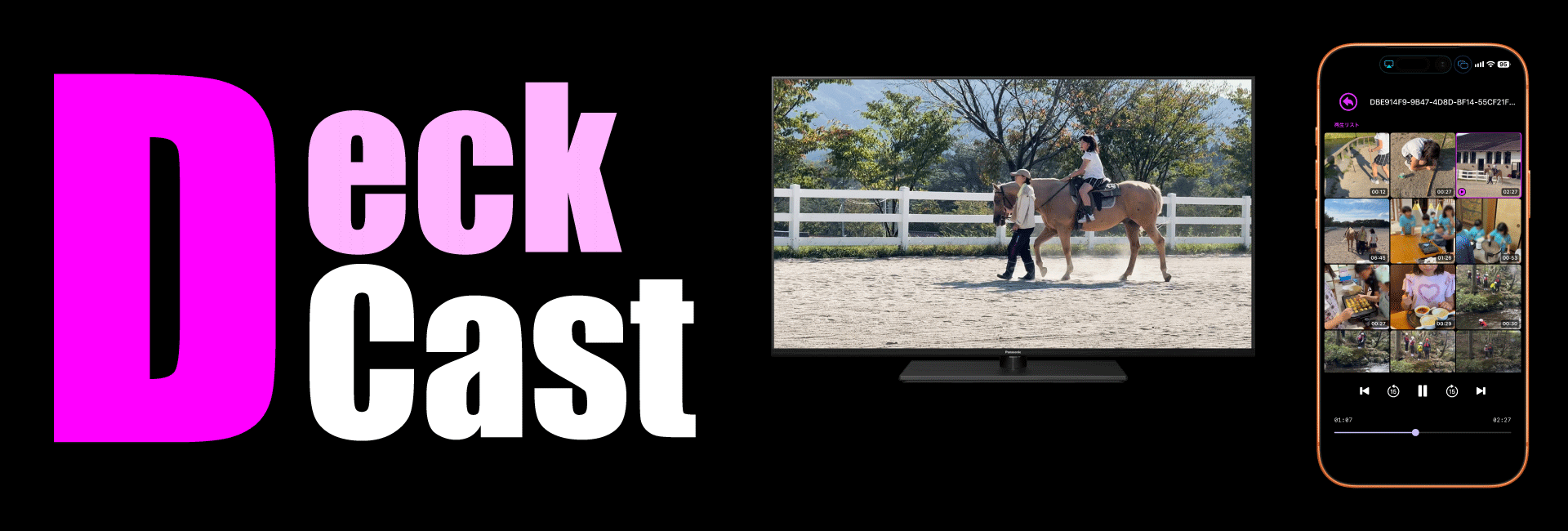
◇ Big-Screen Playback via AirPlay & HDMI
During external output, the app screen switches to a playlist view. You can browse for the next video to play or flick left/right to fast-forward and rewind.
*Please configure AirPlay from your iPhone's Control Center.
Instructions for use
HOME
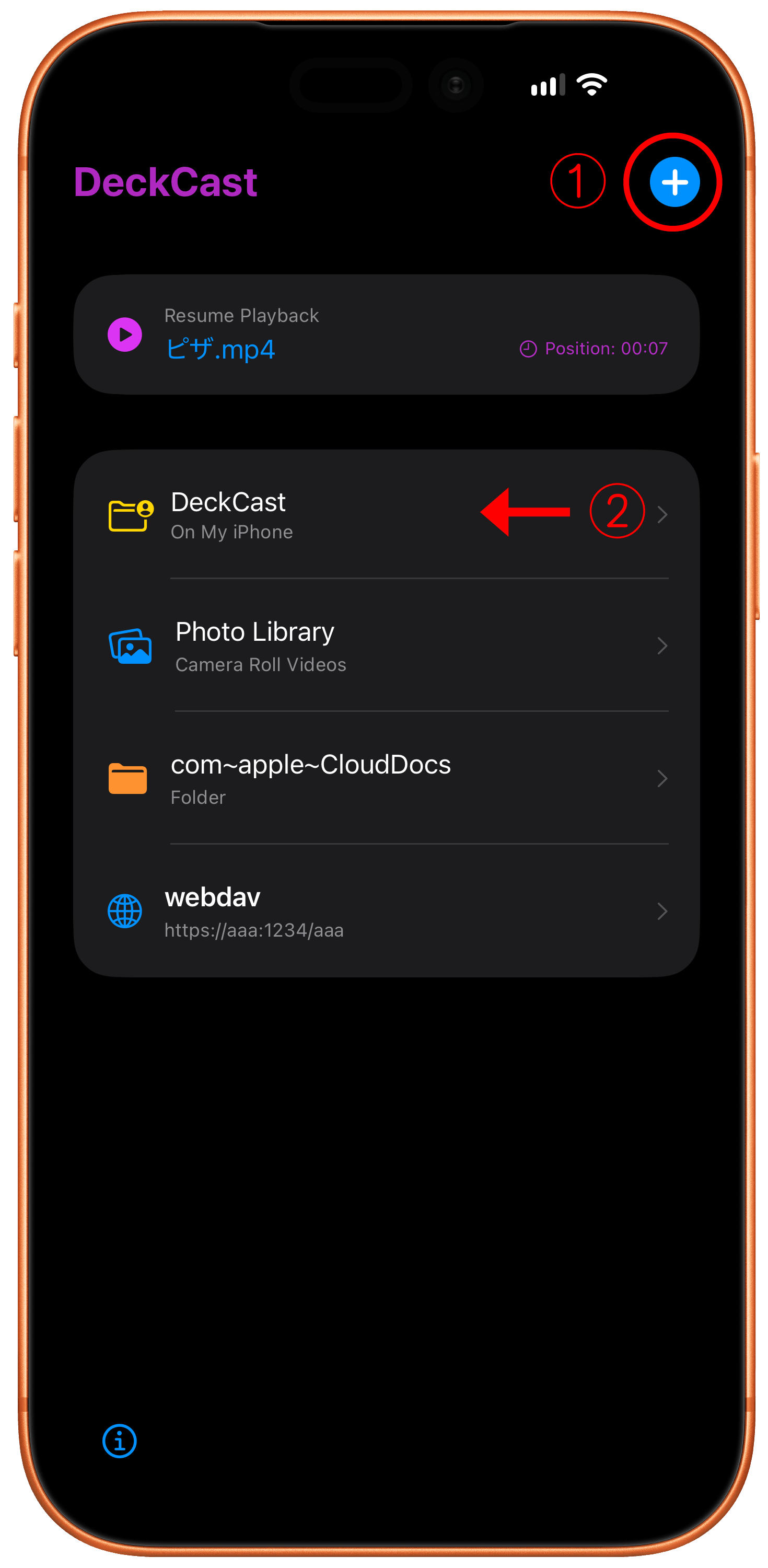
①Add Folder Button: Allows you to add local folders, WebDAV folders, and hidden folders.
②Swipe left on each folder to display the menu.
Photo Folder
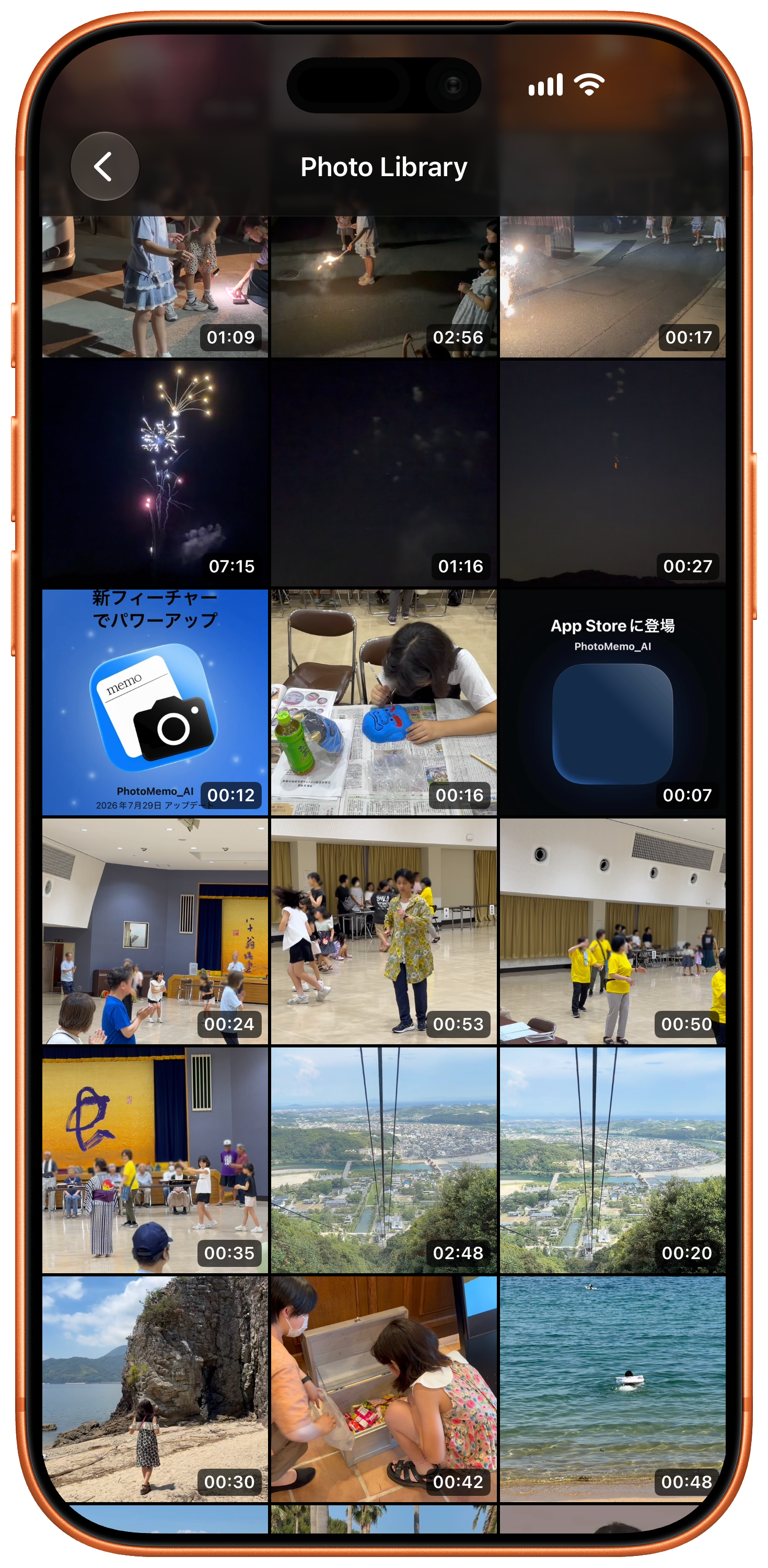
Displays videos from your Camera Roll.
Tap to play.
Video Playback Screen
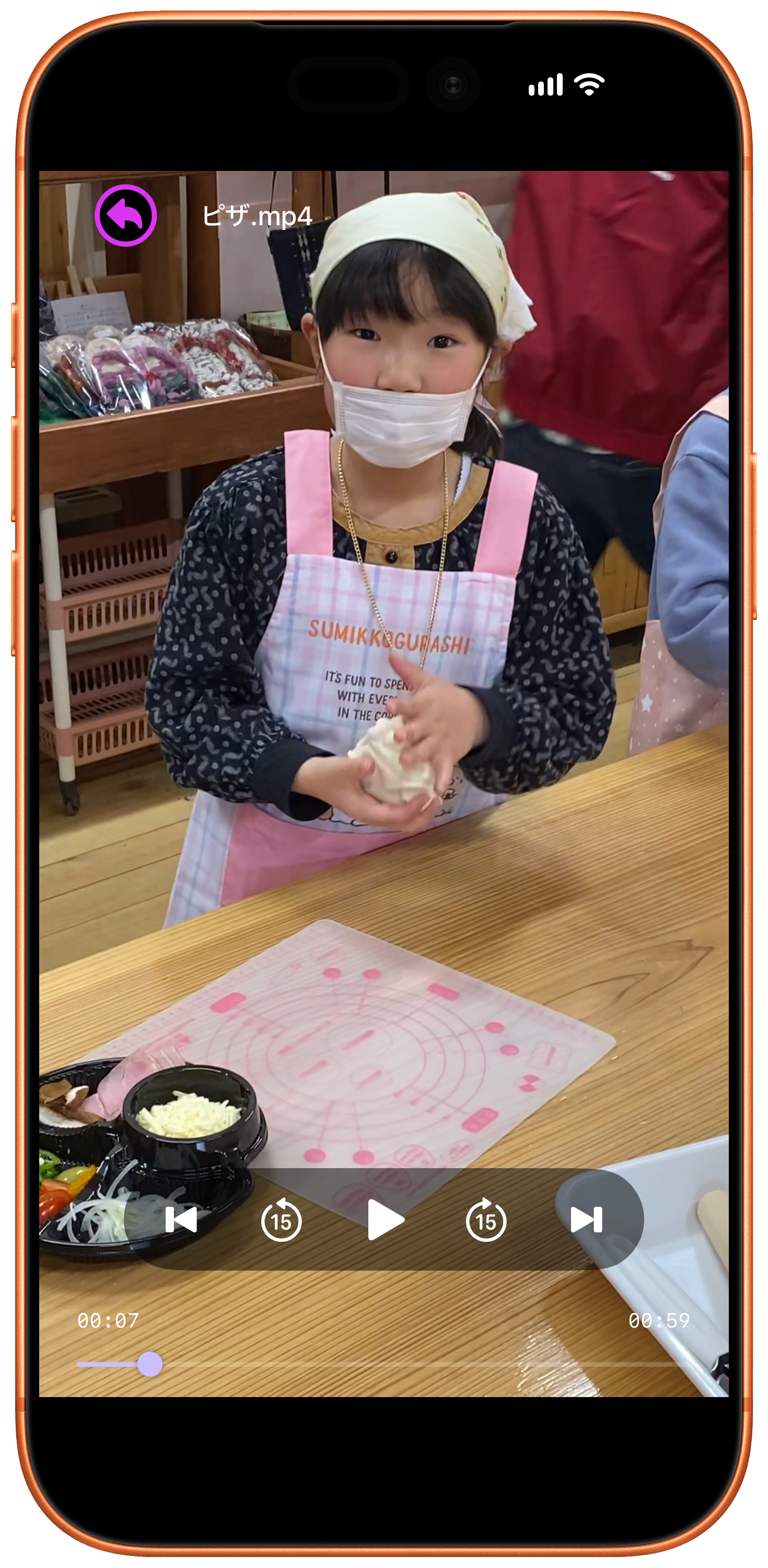
It's as straightforward as it looks. There are no special features.
◎Tap the video area to pause or play
◎Tap the black area to display the menu
◎Swipe left or right on the video area to fast-forward or rewind (15 seconds each)
External Output Screen
(Excluding Photo Folder)
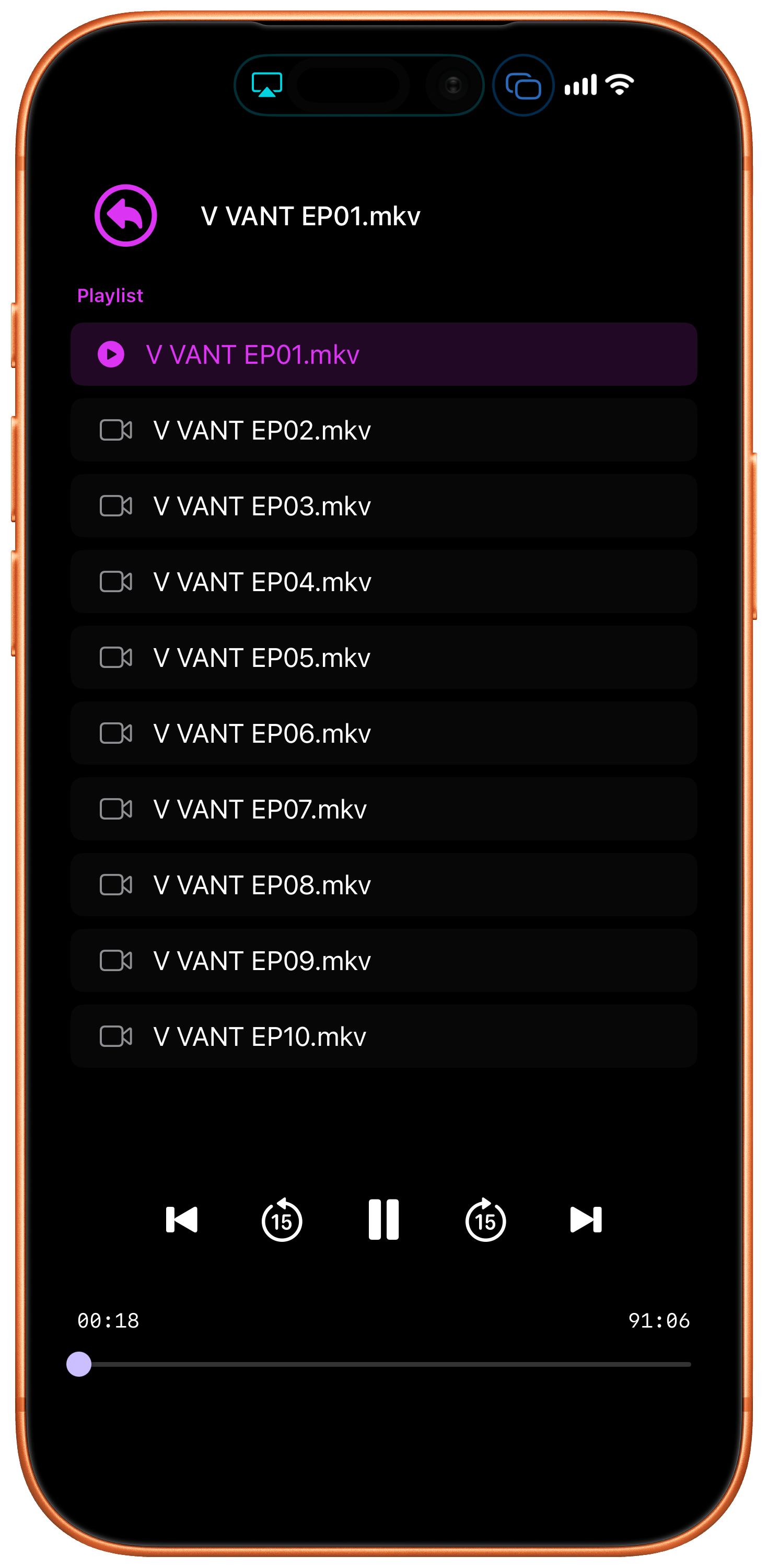
Turns into a controller during external output
◎Tap a list item to play that file
◎Swipe left or right on the list area to fast-forward or rewind (15 seconds each)
External Output Screen
(Photo Folder)
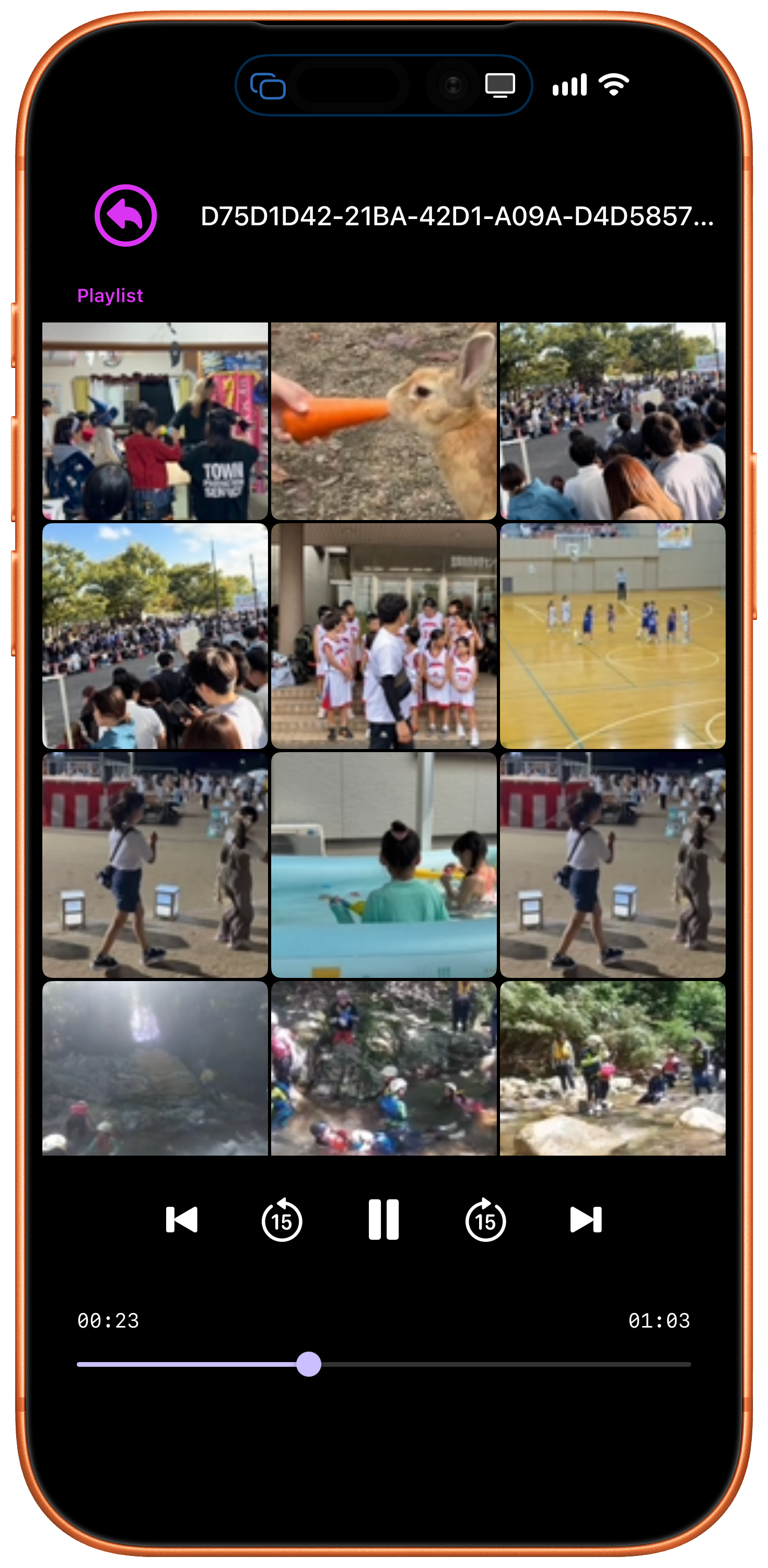
Turns into a controller during external output
◎Tap a video thumbnail to play that file
◎Swipe left or right on the video thumbnail area to fast-forward or rewind (15 seconds each)